Kilometres that earn nothing
Detours, empty returns and rounds built by hand under time pressure.

Round optimisation · Switzerland
Travia turns your orders, vehicles, business constraints and customer time windows into rounds you can actually run.
No need to replace your ERP, TMS or telematics
Send a real day of planning and compare it with Travia

Travia is neither a GPS nor one more TMS: it optimises rounds under the business constraints your current chain must respect, then measures the gap. Three losses in its sights.
Detours, empty returns and rounds built by hand under time pressure.
Every morning, dispatch solves the same puzzle with the same constraints.
Capacity under-used one day, saturated the next, with no overall view.
You measure what Travia changes on your own rounds before changing anything in your organisation.
Orders, addresses, vehicles and business constraints, in the format you already have.
ERP, TMS, CSV or spreadsheet exportThe engine rebuilds the rounds while respecting capacities, time windows, depots, breaks and operational constraints.
Your rules, not a generic modelKilometres, planning time, vehicle utilisation and round quality, set against your original day.
A gap measured on your dataTravia’s value is measured before you transform your organisation
We rebuild your rounds with your constraints and compare the result with what you actually did that day.
Explore the three phases of a transport day. Each role has a precise view, while the data stays consistent from end to end.
A realistic plan before the first kilometre.
Customer window closed after 10:0006:04 · moved to round 04
40 t combination banned on an alpine road06:07 · route diverted
Chosen plan: 2,118 km instead of 2,48006:10 · −14.6%
Demonstration interface — the final screens are configured to your own rules.
The engine builds the rounds under your constraints, the driver app has them executed, and the gap between plan and reality is measured. Three phases, one set of data.
Feasible rounds before the first kilometre
The day’s orders become a plan that dispatch can launch as it is.
The road and the office at the same pace
What happens on the road reaches dispatch without a phone call or double entry.
Each day corrects the next
Actual is compared with planned, and the gap becomes a correction to the plan.
The nine features, one per card. Hover over the deck to stop it, then click a card or use the controls to explore at your own pace.
Auto-advance · pause on hover or with the button · arrows ← → to navigate
Travia keeps organisations, sites, roles and jobs clearly separated. Data travels where it is useful, and every transfer stays recorded in the activity log.
 01 / CONTROL CENTRE
Travia turns the day’s events into decisions you can act on immediately. The control centre spots deviations without losing the context of the job.
On mobile, the driver sees only the action that matters. Open each step below to follow the mission from departure to closing.
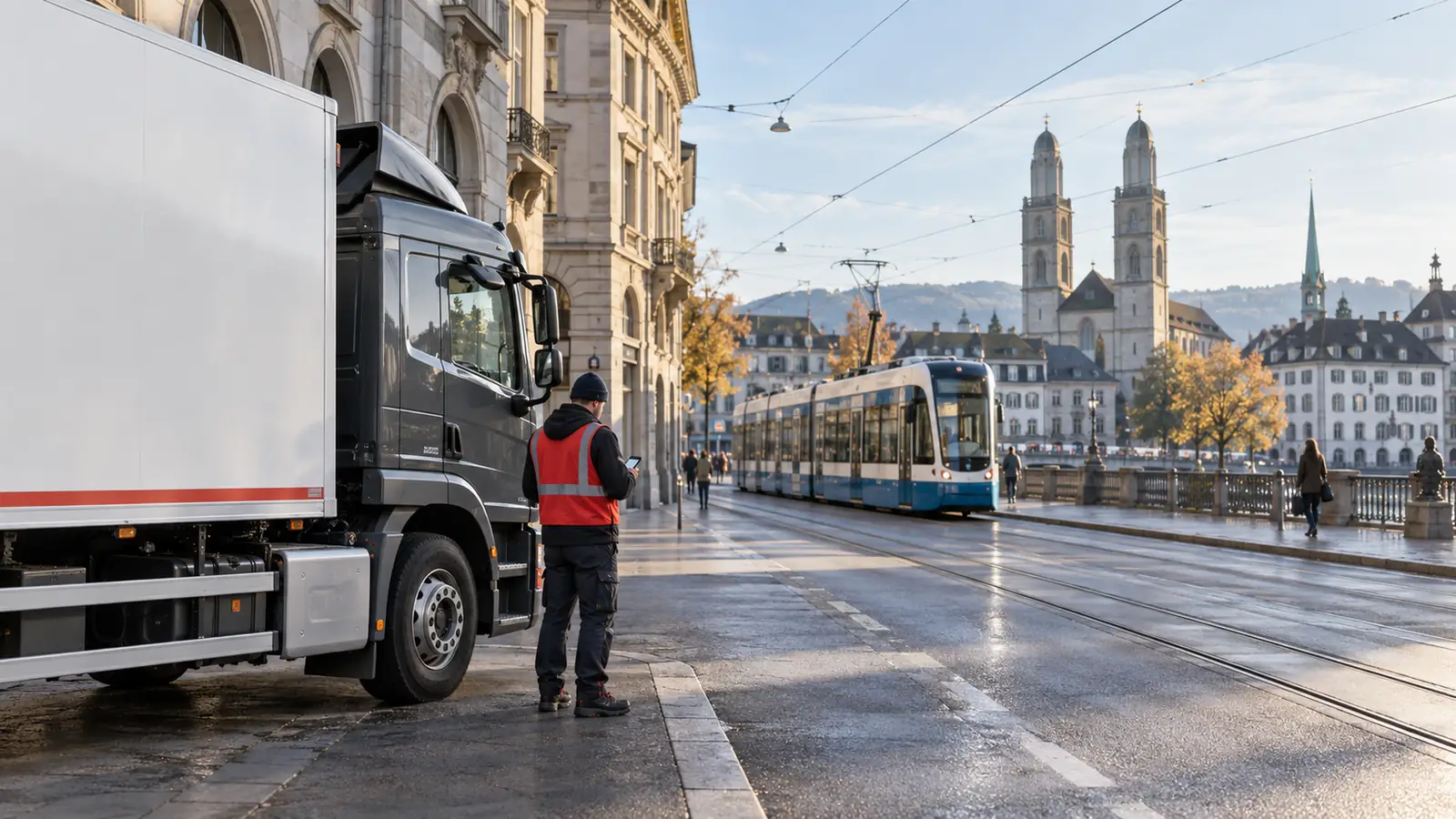
Times, instructions, documents and stop order are gathered before departure.
12 stops · 84 kmFive situations where business constraints weigh on every day. They are presented as use cases: the rules specific to your activity are configured during scoping, not delivered in advance.
Travia is an optimisation and operations layer placed on top of what you already use. Data comes in, rounds go out, and every tool keeps its role.
Orders, customers, items and prices stay managed where they are today.
Travia sits upstream of the TMS to build the rounds, or alongside it.
Positions and vehicle data already collected can feed the tracking.
A spreadsheet of orders is enough to start. It is the most common entry point.
In-house developments stay in place and exchange data by file or interface.
Warehouse management, invoicing, HR: Travia only takes what serves the rounds.
Exchanges are defined during scoping, according to what your system exposes. No connector is announced before it has been specified with your IT team.
Roles, access and traceability designed to support your FADP (Swiss data protection act) requirements.
Interfaces, jobs and instructions available in the working language set for each team.
One shared view, from Geneva to St. Gallen, without erasing local realities.
Architecture and integrations scoped to your IT policy.
Each card represents a concrete step. Browse them freely to see the expected outcome of each phase.
Your flows, constraints, roles and indicators are mapped around one priority issue.
Every operation is different. Travia is configured to your operational rules rather than forcing you to adapt your business to the software.
Your flows, constraints, depots and data formats are recorded as they are.
Capacities, time windows, breaks, skills and priorities are set in the engine.
Days already operated are replayed, then compared with what you had done.
Dispatch and drivers take over, supported through the first days.
Choose the friction that most resembles your daily reality. Travia proposes a first, concrete scope rather than claiming to transform everything at once.
Centralise the constraints and make every reassignment visible in the office and in the field.
Enter your operation and your assumptions. The calculation gives an order of magnitude, never a promise. The pilot on a real day is what measures.
Your operation’s data
Assumptions to be checked in the pilot
Reference budget excluding onboarding and integration
Avoided driving hours are shown but never converted into money: fewer kilometres does not mean fewer paid hours.
Simulation updated: indicative annual saving CHF 45,300
Indicative simulation based on your assumptions. Actual gains depend on your operation and are measured during the pilot.
Test a day of roundsNo figure on this site comes from anywhere but a real operation. This is what a pilot measures, and what the first operators in French-speaking Switzerland will see published here, with their consent.
First step, free: a real day rebuilt under your constraints.Test a day of rounds
Have a particular context? The best answer is often a demonstration on your own workflow.
All questionsNot necessarily. Travia can orchestrate operations around your current tools, aggregate their data and digitalise the steps that are still scattered. Whether an existing tool is replaced is your decision, taken in the light of scoping.
Roles, statuses, alerts, forms, indicators and assignment rules are defined from your actual processes. That is the purpose of the scoping phase, before any deployment.
Through a mobile interface that brings together jobs, instructions, navigation, forms, photos, signatures and exceptions. It is designed to be used while stationary, including with gloves.
Punctuality, service rate, execution time, kilometres, fuel consumption, incidents, capacity or maintenance — with views tailored to each role.
Yes. Integrations are defined during scoping: APIs, imports, exports and automated flows, according to the systems already in place — ERP, TMS, telematics, HR, business intelligence.
Perimeters are separated by organisation, site, activity, role and job. Access follows responsibility, important actions are logged, public flows are encrypted and so are backups. Details are on the “Data security” page.
Interfaces, jobs and instructions can be presented in the working language planned for each team, in particular French, German and Italian.
A first conversation maps a priority workflow. A targeted demonstration is then prepared, with a clear scope and clear next steps.
Demo, subscription or question: tell us what you need. Your message is sent directly to our team, without opening your email app.
Send us your current rounds. We reproduce your constraints and compare the results with your current organisation.
No software change required first